Testing (INVERS login)⚓︎
If you are using our CloudBoxx API, please use this documentation.
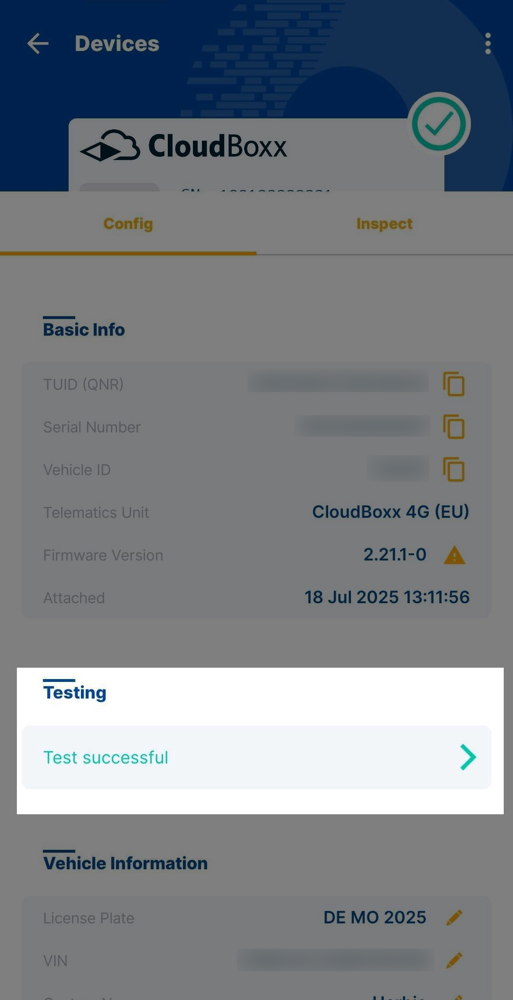
After installing and configuring telematics units, test the connection between the unit and vehicle. The CloudBoxx must have an active mobile data connection during testing. To access Testing:
- Open the home screen
- Select Testing
- Search for the vehicle
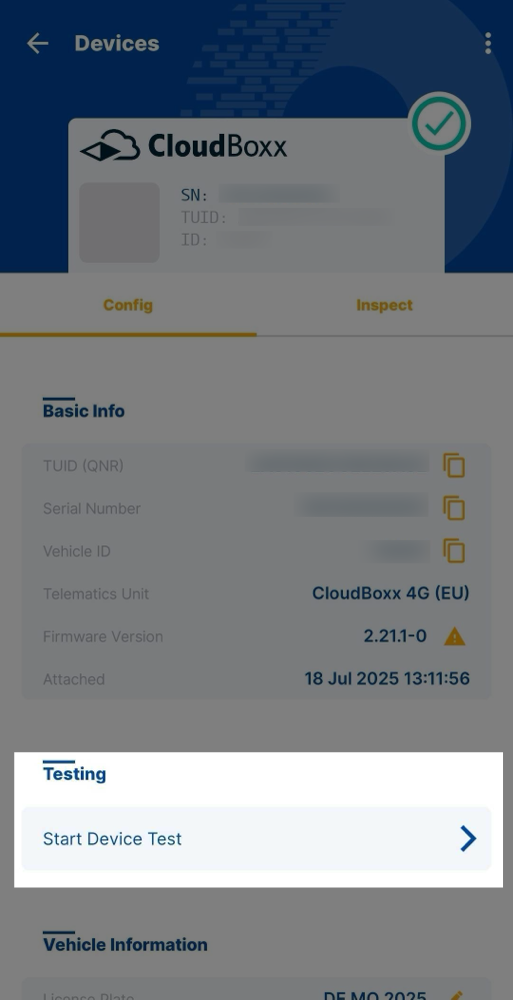
- Open Start Device Test


Available tests⚓︎
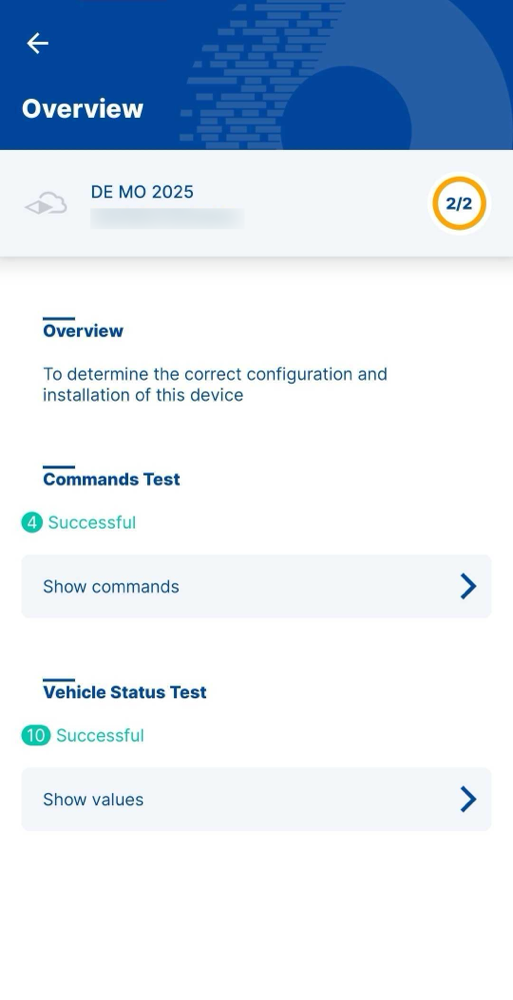
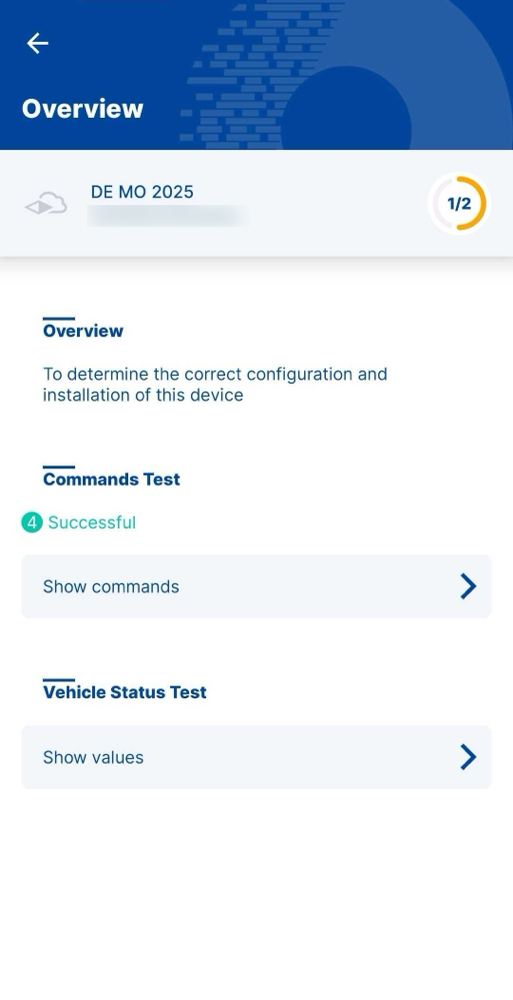
Complete both test types to ensure proper telematics unit configuration:

Commands⚓︎
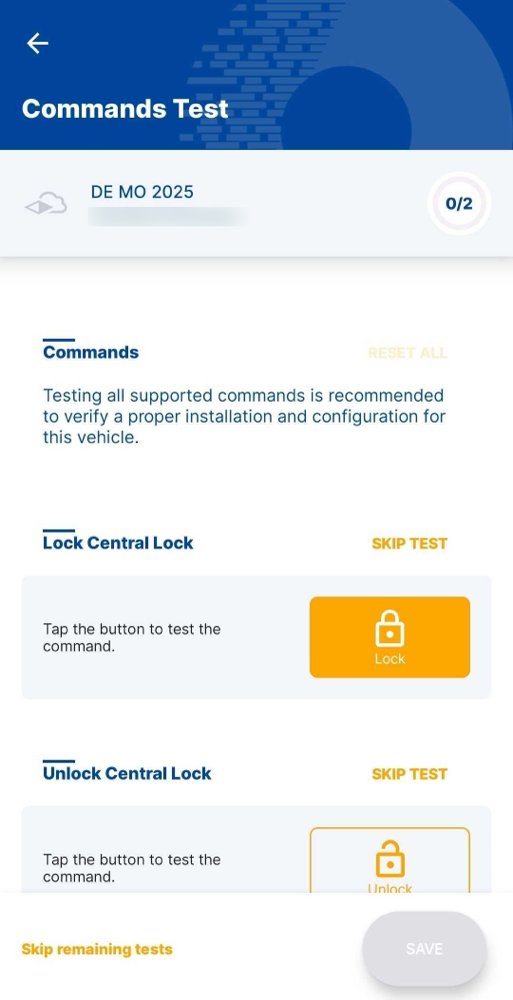
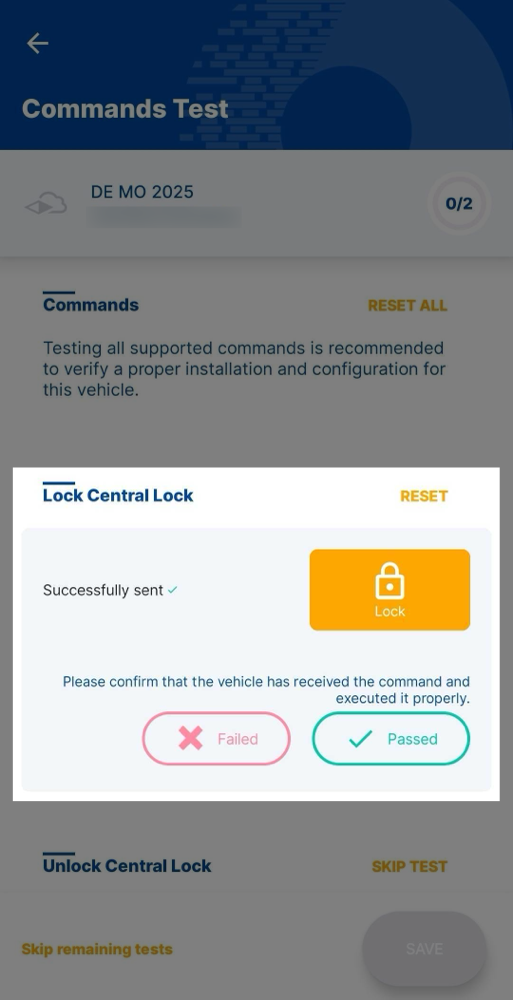
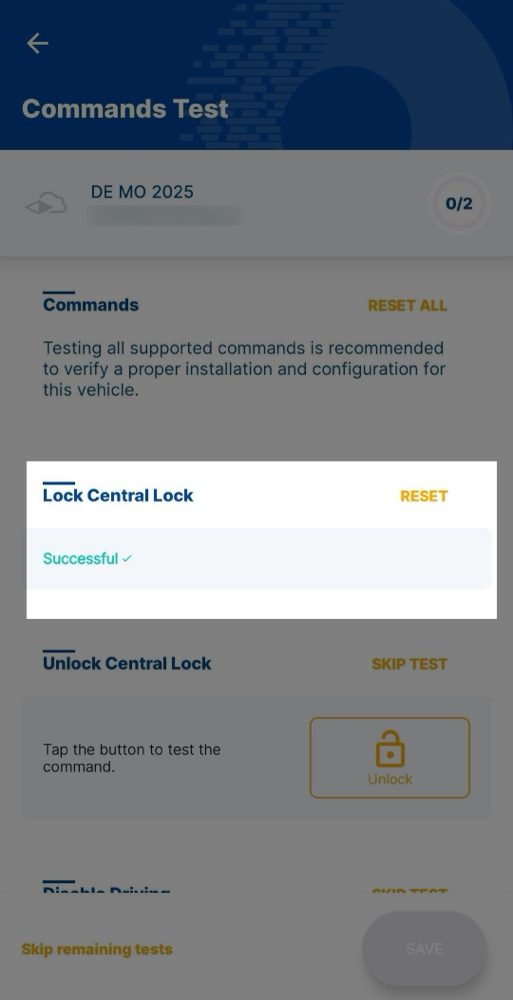
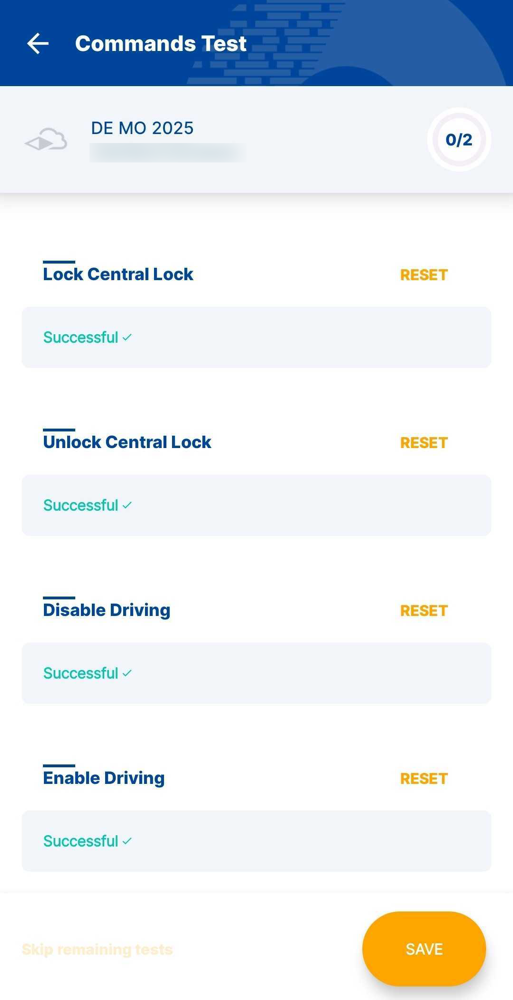
Verify vehicle commands work correctly:
- Execute commands using the on-screen buttons
- Check if the command was successfully executed on the vehicle (e.g., after pressing Lock Central Lock, try opening the door)
- Select Failed or Passed based on the result
Vehicle state⚓︎
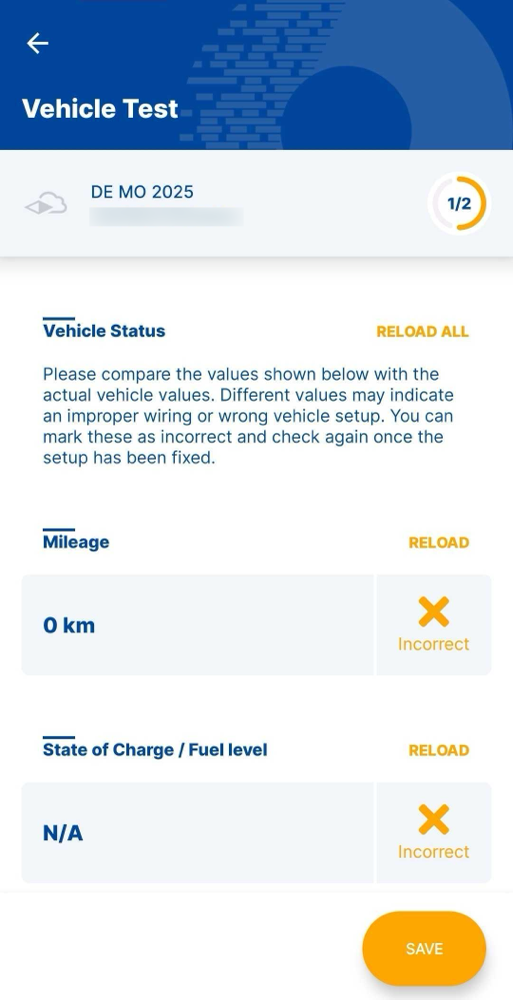
Verify vehicle state data displays correctly:
- Check data accuracy (position, state of charge, etc.)
- Mark incorrect data as failed
- Wrong values typically indicate faulty configuration or wiring