Login (CloudBoxx API / Classic)⚓︎
Switch to INVERS Login
CloudBoxx API is legacy authentication. While it continues to work, new features are only available with INVERS Login.
Benefits of switching:
- Access both CAN and OBD installations (CloudBoxx API supports CAN only)
- Switch between fleets instantly without logging out
- Better security with two-factor authentication
- Individual accounts instead of shared tokens
Ready to switch? See our Switch to INVERS Login guide for complete instructions.
How to login⚓︎
After downloading SmartControl, you can to log in to the app in one of two ways:
QR code⚓︎
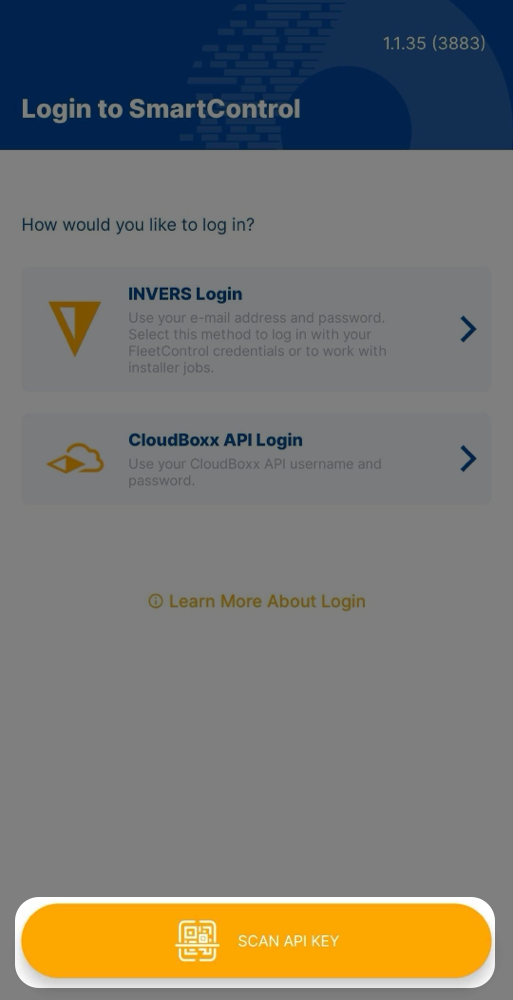
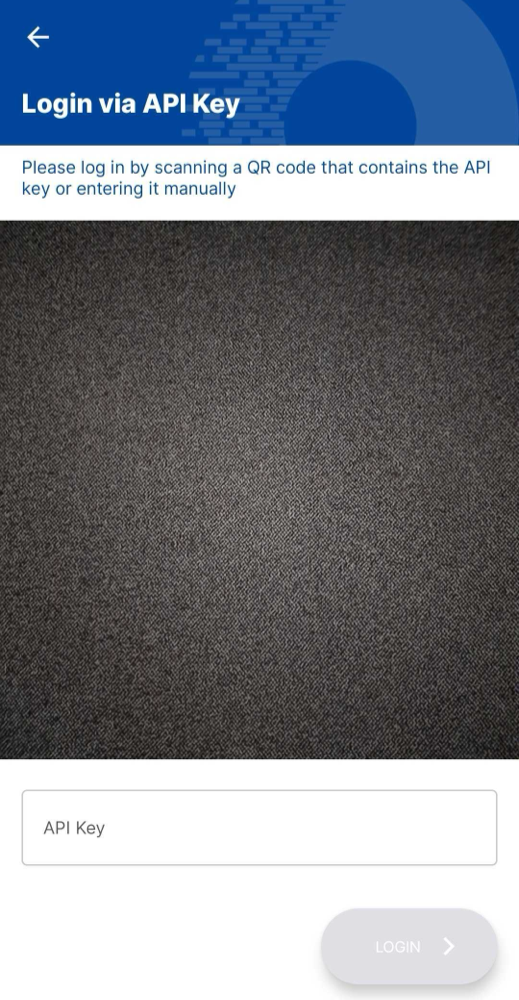
If you have been provided with a QR code for accessing SmartControl, select SCAN API KEY and point your phone’s camera at the QR code. Depending on your operating system and settings, you might have to grant SmartControl the permission to access your camera.
Login credentials⚓︎
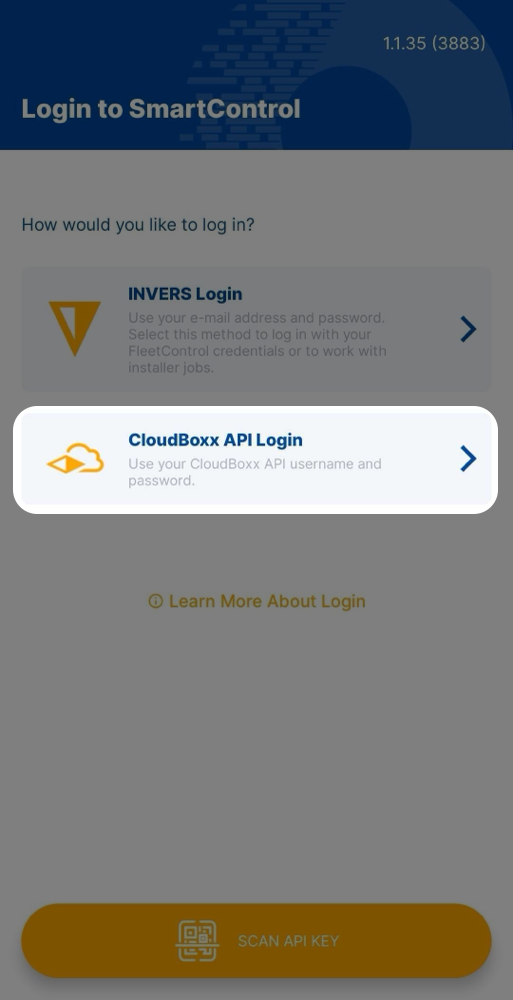
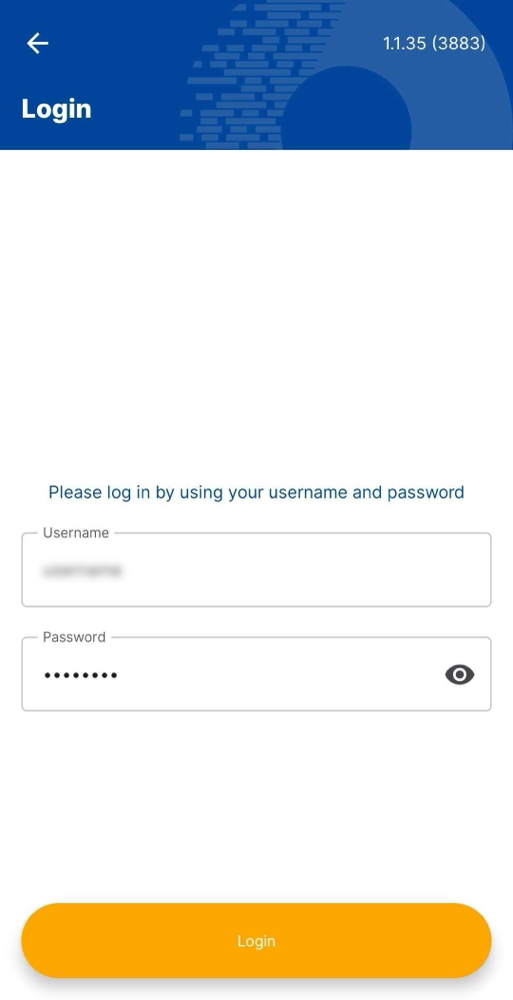
If you have not been provided a QR code for accessing SmartControl, you can log in to the app by entering your CloudBoxx API username and password.
Granting access⚓︎
If you want employees or coworkers to use the SmartControl app, you have to provide them with either a QR code containing an API key or login credentials. You can create new login credentials within the CloudBoxx API web interface.